
Install and configure Fail2ban
Automatically block abusive SSH connection attempts with Fail2ban.
Ready to start your service? Check offers and order online.
View offers and orderObjective
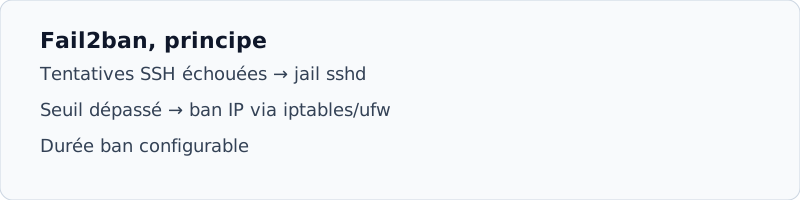
Fail2ban scans your SSH logs and temporarily bans IP addresses that try too many invalid connections. Indispensable on any VPS exposed on the Internet.
Prerequisite
- Debian or Ubuntu Linux VPS with root SSH access
- UFW firewall or active iptables (see UFWguide)
Installation
apt update && apt install -y fail2banCopy the default configuration:
cp /etc/fail2ban/jail.conf /etc/fail2ban/jail.localConfigure SSH Jail
Edit /etc/fail2ban/jail.local :
[sshd]
enabled = true
port = ssh
filter = sshd
logpath = /var/log/auth.log
maxretry = 5
bantime = 3600
findtime = 600- Restart Fail2ban
systemctl restart fail2ban && systemctl enable fail2ban - Check status
fail2ban-client status sshd, you need to see the active garlic. - Test (optional)
From another machine, deliberately fail 5 SSH connections: IP must be banned.
AIS Panel Use also the VPS panel to cut SSH if you are blocked: customer space → NoVNC console.
Related guides
- Configure UFW
- First SSH connection