
Install and secure MySQL on VPS
Install MariaDB, create an application user and limit network access.
Ready to start your service? Check offers and order online.
View offers and orderObjective
Install MariaDB/MySQL and create a user dedicated to your application, without exposing the database on the Internet.
Installation
apt update && apt install -y mariadb-server
mysql_secure_installation
Answer the questions: root password, delete anonymous users, disable remote root.
Create base and user
mysql -u root -p
CREATE DATABASE monapp CHARACTER SET utf8mb4 COLLATE utf8mb4_unicode_ci;
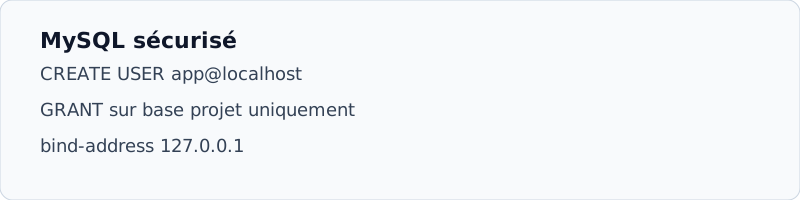
CREATE USER 'monapp'@'localhost' IDENTIFIED BY 'MotDePasseSolide!';
GRANT ALL PRIVILEGES ON monapp.* TO 'monapp'@'localhost';
FLUSH PRIVILEGES;
EXIT;
Secure network listening
In /etc/mysql/mariadb.conf.d/50-server.cnf, check:
bind-address = 127.0.0.1Then systemctl restart mariadb. The base can only be reached from the VPS (or local containers).