
Deploy a stack with Docker Composer
Run app, database and cache with a docker-compose.yml file.
Ready to start your service? Check offers and order online.
View offers and orderObjective
Deploy a complete application (frontend, API, database) with Docker Compose on your VPS.
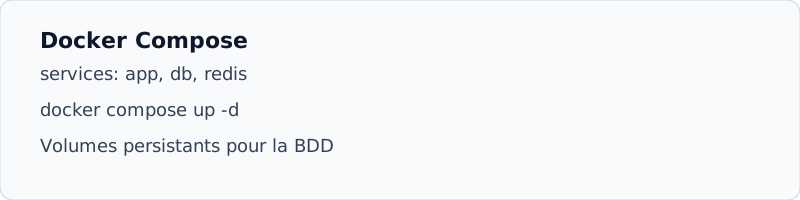
Prerequisite
- Docker installed (guide Docker)
- Docker Composer plugin :
docker compose version
Example docker-compose.yll
services:
  web:
    image: nginx:alpine
    ports: ["80:80"]
    volumes: ["./site:/usr/share/nginx/html"]
  db:
    image: mariadb:11
    environment:
      MYSQL_ROOT_PASSWORD: change_me
      MYSQL_DATABASE: app
    volumes: ["db_data:/var/lib/mysql"]
volumes:
db_data:- Create Project Folder
mkdir -p ~/stack && cd ~/stackthen place the filedocker-compose.yml. - Start
docker compose up -d - Check
docker compose ps, all services must be running. - Logs
docker compose logs -f webto diagnose.