
Get an SSL certificate with Certbot
Activate HTTPS for free on Nginx with Let's Encrypt and autorenew.
Ready to start your service? Check offers and order online.
View offers and orderObjective
Get a free TLS certificate Let's Encrypt and serve your site in HTTPS with Nginx on your VPS Anthony IT Solutions.
Prerequisite
- Nginx installed with a vhost for your domain (see deploy Nginx)
- DNS A recording pointing to the IP of the VPS
- Open ports 80 and 443 (UFW)
Installation Certbot
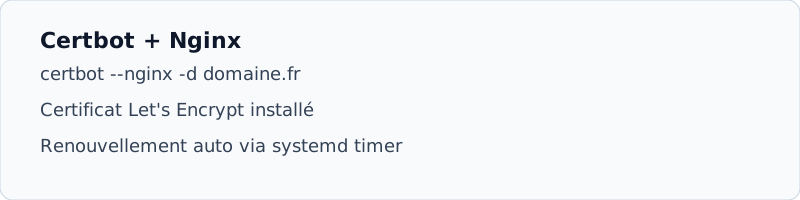
apt install -y certbot python3-certbot-nginxObtain the certificate
certbot --nginx -d exemple.fr -d www.exemple.fr- Email
Enter a valid address for expiry alerts.
- HTTPS redirection
Accept the HTTP → HTTPS automatic redirection proposed by Certbot.
- Renewal test
certbot renew --dry-run, the timer systemd must succeed.
DNS If Certbot fails, check that the domain points well to your VPS and port 80 is accessible from the Internet.