
Understand the server.cfg file
Server Tags, slots, license key, security resources and essential network settings.
Ready to start your service? Check offers and order online.
View offers and orderObjective
Understanding and Editing server.cfg, the central configuration file of your FiveM server.
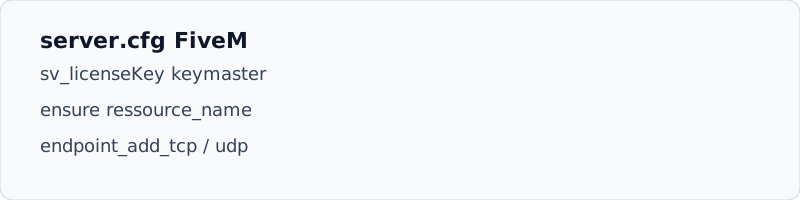
Location
Via the panel file manager: server root or folder specified by TXAdmin.
Essential parameters
sv_hostname "Mon serveur RP"
sv_maxclients 48
sv_licenseKey "votre_cle_keymaster"
endpoint_add_tcp "0.0.0.0:30120"
endpoint_add_udp "0.0.0.0:30120"
ensure mapmanager
ensure chat
ensure spawnmanager
ensure sessionmanager
ensure hardcap
ensure votre_framework- Licence
Key from keymaster.fivem.net, mandatory for players to connect.
- Resources
Each script must have a line
ensure nom_ressourceafter installation inresources/. - Restarting
Restart the complete server after modification (or
refresh+ensurein dev).