
Starter variables and JVM arguments
Edit RAM, Java flags and launch settings from the game panel.
Ready to start your service? Check offers and order online.
View offers and orderObjective
Adapt the RAM and Java arguments of your game server from the Anthony IT Solutions panel.
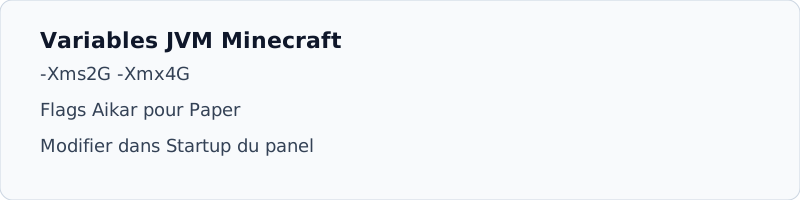
Where to modify variables
- Game Panel
Customer area →My Services → Manage → tab Startup or Start.
- Command field
Common variables:
{{SERVER_MEMORY}},{{JAVA_ARGS}}Depending on the game. - Minecraft Paper
Add Aikar flags to the FMV field, e.g.
-XX:+UseG1GC -XX:+ParallelRefProcEnabled. - Restart
Stop then Start to apply, a simple reload is not enough.
RAM Do not exceed the RAM included in your offer. Reserve 500 MB on the small instances system.