
Using the panel live console
Read live logs, send admin commands and diagnose a crash.
Ready to start your service? Check offers and order online.
View offers and orderObjective
Play logs in real time and send admin commands from the game panel console.
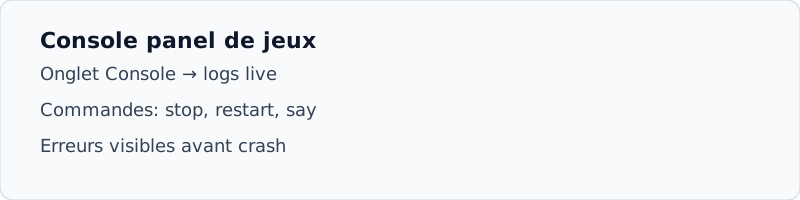
Access the console
- Open Panel
From client space, click Manage on your server.
- Tab Console
Logs are displayed live during startup and execution.
- Commands
Enter an order (e.g.
help,stop,say Bonjour) and then enter.
Diagnosing a crash
Go up the console to the first line ERROR or Exception. Frequent causes: port already used, mod incompatible, EULA not accepted (Minecraft), plugin missing.